

Pantum BM2300 BM2300w BM2300nw BM2300a BM2300aw BM2300anw Chipless firmware
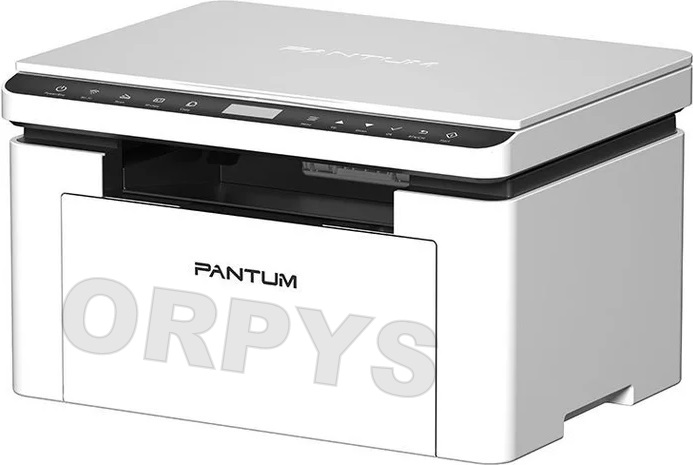
| Model | Version firmware |
|---|---|
| BM2300 | 4.H.0.6 4.H.0.9 4.H.1.3 4.H.1.5 |
| BM2300w BM2301w BM2300nw BM2300a BM2300aw BM2300anw |
4.H.0.6 4.H.0.7 4.H.1.2 4.H.1.9 4.H.2.2 5.H.0.3 5.H.0.4 |
.
To create a chipless firmware you need to send the data of your printer: data ID printer
For get printer data ID we recommend using the free program Pantum_Info
This program have button Get data ID, this data ID code you can send to us
Instruction (Manual) for program firmware
1. Extract the archive with the firmware
2. Connect printer to computer via USB cable
3. Run file P_BM2300x_4.H.x.x_XXXXXXXXXX.exe..
- Need wait for the printer to programming (1-2 min) and itself reboot.
4. Done, the firmware is finished.
Categories


Viewed products
-

Epson XP-245 chipless firmware
Epson Expression Home XP-245 chipless firmware Chipless firmware...

No special products at this time.