

Thomson TH-2500 Chipless firmware
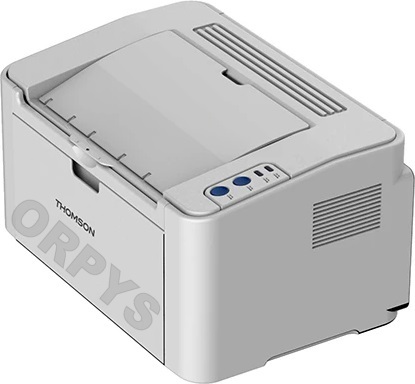
| Model | Version firmware |
|---|---|
| TH-2500 | 3.2.0.4 |
.
To create a chipless firmware you need to send the data of your printer: data ID printer
For get printer data ID we recommend using the free program Pantum_Info or Pantum_Chipless
This program have button Get data ID, this data ID code you can send to us
Instruction (Manual) for program firmware [ !!! new instruction]
1. Extract the archive with the firmware
2. Connect printer to computer via USB cable
3. Drag and drop file TH2500_basalt-debug.elf on usbprns2.exe..
- After the printer will automatically restart quickly itself (5-10 sec) ..
4. Drag and drop file fix_XXXXXXXXXX_Bichon_TH2500_V32xx.acl on usbprns2.exe..
- On the printer, the light will flash quickly in all colors..
- Need to press a button [Cancel / Continue] and release.
- After that, the indicator on the printer will begin to blink slowly in all colors.
- Need wait for the printer to programming (1-2 min) and itself reboot.
- After rebooting the printer you need remove toner chip [glue by tape]
5. Done, the firmware is finished.


