

Pantum BM2400 BM2400a BM2400nw BM2400anw Chipless firmware
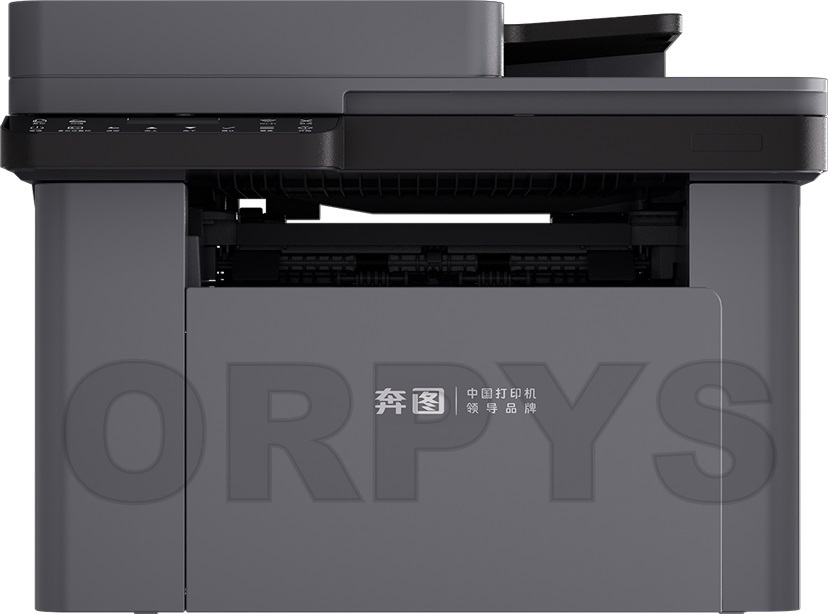
| Model | Version firmware |
|---|---|
| BM2400 BM2400a BM2400nw BM2400anw |
3.A.0.9 |
.
To create a chipless firmware you need to send the data of your printer: data ID printer
For get printer data ID we recommend using the free program Pantum_Info
This program have button Get data ID, this data ID code you can send to us
Instruction (Manual) for program firmware [ !!! new instruction]
1. Extract the archive with the firmware
2. Connect printer to computer via USB cable
3. Drag and drop file fix_XXXXXXXXXX_BM2400_V3Axx.acl on usbprns2.exe.
- Need wait for the printer to programming (1-2 min) and itself reboot.
4. Done, the firmware is finished.
Firmware in processing developing
Categories


No special products at this time.